Two Ways People Find Your Tour: Standing In Front of It, or Searching for It
Your digital tour is live - now make sure people find it. A practical guide to QR code placement, back-linking from your existing site, map embeds, and realistic SEO timelines for DMOs, historical societies, and municipalities.
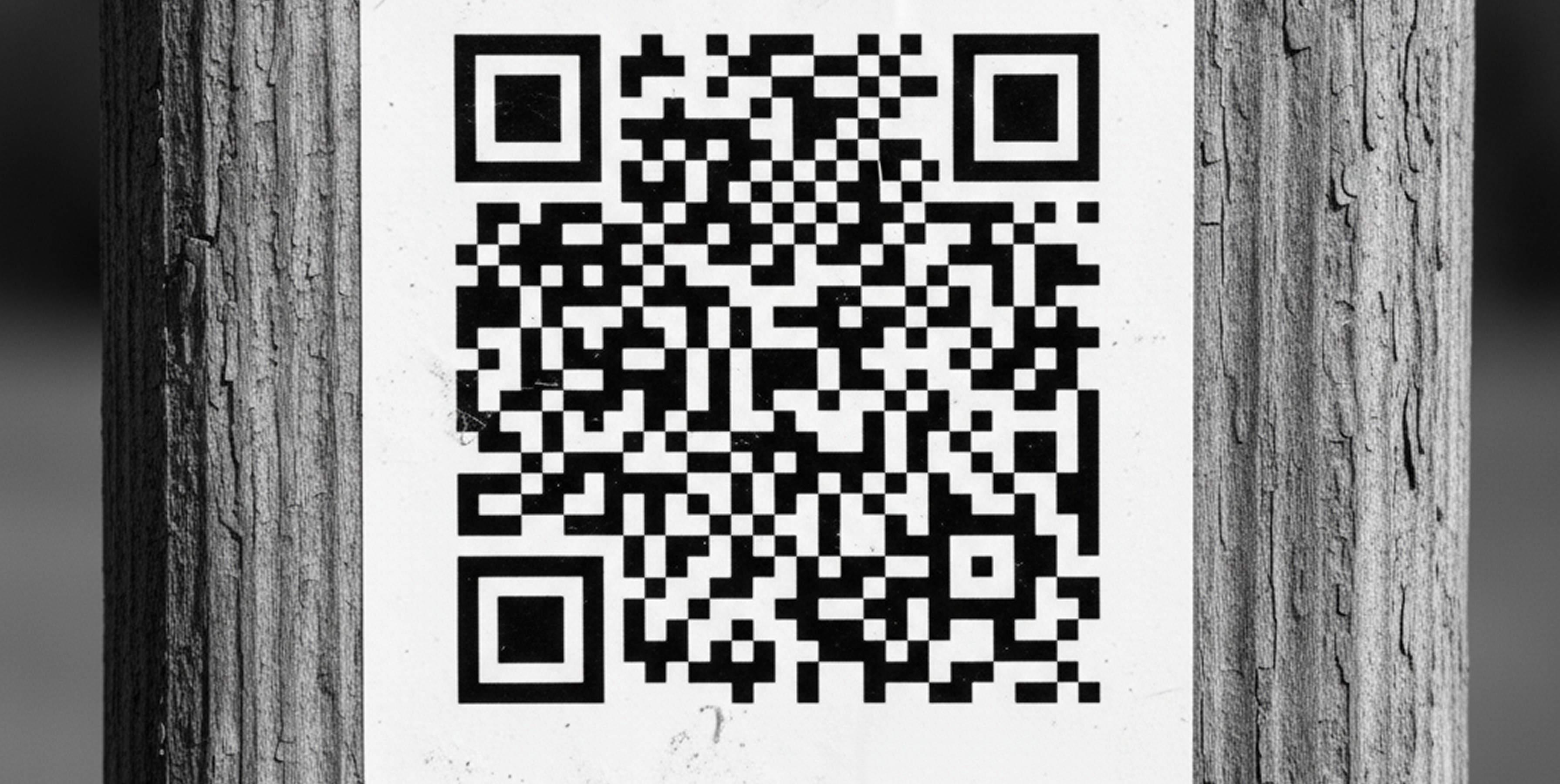
The Onsite Half: QR Codes That Get Scanned
Onsite discovery is the fast half. A code goes up and people scan it that week. No algorithm to wait on.
The behavior is there. Bitly's 2026 scan report found North American scan rates up 8% year over year; in Europe, scan volume grew 53% against only 7% growth in new codes created. People are scanning codes that already exist, repeatedly - engagement, not novelty.
What separates a code that works from one that doesn't is placement, not design.
Put codes where people are already stopped and deciding. The parking lot kiosk, the trailhead, the visitor center counter, the historical society window when it's closed on a Tuesday. A code on a sign someone walks past at three miles an hour is a code nobody scans.
Print the URL alongside the code, every time. Visitors with older devices, camera issues, or accessibility needs shouldn't hit a dead end.
Size it for the scan distance. Section 508 guidance puts the practical floor around 2cm x 2cm for close-range scanning; a code read from six feet away needs to be considerably larger. Test every code on multiple phones, outdoors, before installation.
Use a distinct code per placement. If the rack card, depot sign, and trailhead each have their own code, your analytics tell you which one is doing the work - the difference between guessing where to spend next year's signage budget and knowing.
The old barrier is gone: since 2017 on iPhone and 2019 on Android, scanning is built into the native camera - no app to download, the same reason a browser-based tour outperforms one requiring an install, as covered in The App Download Requirement Is Costing You Visitors Before They Arrive.
The Search Half: Why Your Tour Needs Its Own Page
The other half is people who haven't arrived yet - slower, and where your platform's technical foundation matters. DestinationHub is built on Next.js, the framework behind a large share of modern publishing sites. In practical terms:
Pages are rendered on the server. Google's crawler receives complete HTML - titles, stop descriptions, text - rather than having to execute JavaScript and hope content appears. Many interactive map tools fail exactly here: the map looks great to a human and looks like an empty page to a crawler.
Every tour and stop gets its own indexable URL, title, and description. A mill district tour isn't buried inside a homepage; it's a page that can rank on its own for "historic mill district walking tour."
Sitemaps and robots files generate automatically. New content reaches search engines without anyone filing a ticket, and social preview images generate per page, so a link dropped into Facebook renders as a proper card rather than a bare URL.
It's the difference between content search engines can read and content they can't.
Link From the Site You Already Have
This is the highest-leverage step most organizations skip. Your existing website has years of accumulated authority; your DestinationHub content, on day one, has none. Linking one to the other transfers some of that credibility. By audience:
- A DMO or CVB links tours from the "Things to Do" page and each relevant itinerary page - not just a "Tours" tab buried in the nav.
- A historical society links each tour from the history page it relates to: the mill page links the mill tour, the cemetery page links the cemetery tour.
- A municipality or Main Street program links from the parks page, downtown page, and events calendar, and asks partner businesses on the route to link from their own sites.
- A chamber includes tour links on the visitor information page and in the member newsletter.
Two rules: link with descriptive text - "our self-guided downtown walking tour" beats "click here," because the text tells Google what the page is about - and favor permanent placements over one-time announcements. A blog post from 2024 does far less work than a link in the main navigation.
Embeds, Social, and Print
Embed the map on your own site. A visitor browsing your Things to Do page sees the interactive map inline instead of being bounced to another domain - fewer people drop off in between.
Tie social promotion to something specific. "Check out our new walking tour" performs poorly. "This building was a Prohibition-era speakeasy - it's stop 4 on our new downtown tour" performs well, because it gives someone a reason to click. Post individual stops over time instead of announcing the tour once.
Physical advertising still moves people. Rack cards, farmers market banners, a line in the local paper, table tents at partner restaurants - with a QR code and printed URL on all of it. Print and digital aren't competing: print gets people to the digital experience, and the digital experience reports back, as covered in You Printed 2,000 Brochures. How Many Became Tours?.
What the Timeline Actually Looks Like
This is where expectations most often go wrong. SEO is not a launch event; it's a maintenance program.
Weeks 1-4 - onsite discovery. Codes go up, scans start immediately. Search traffic is near zero, and that's normal - Google is still discovering the pages.
Months 1-3 - indexing and early links. Pages get indexed and backlinks start passing authority. You may begin ranking for long-tail phrases like "self-guided tour of [neighborhood name]" - low volume, high intent.
Months 3-6 - meaningful movement. An Ahrefs poll of 3,680 respondents put the typical answer at three to six months for SEO to show results. Competitive terms like "things to do in [your town]" will still be out of reach.
Months 6-12 - competitive terms. Google's John Mueller has said it can take up to a year for Google to settle on rankings for a new site. If your content sits on a new subdomain, plan for that full window.
Two things to hold onto: the onsite half pays off immediately, which is why QR codes are worth deploying long before SEO does anything - and none of these timelines happen on their own. They assume someone is adding links, posting stops, and keeping content current.
A Practical Starting Point
In your first month, in this order: get QR codes into your three highest-traffic locations; add links from your existing site's main navigation and two or three relevant content pages; embed the map on your Things to Do page; and schedule one social post per stop instead of a single launch announcement.
Then check analytics at 30, 90, and 180 days - early on watching QR scans by placement, later where sessions come from. When direct scans give way to search traffic, the second half is working.
The content was the hard part, and you've already done it. What's left is distribution - mostly a matter of doing a handful of unglamorous things consistently for six months.