How to Digitize a Self-Guided Walking Tour (Without Starting Over)
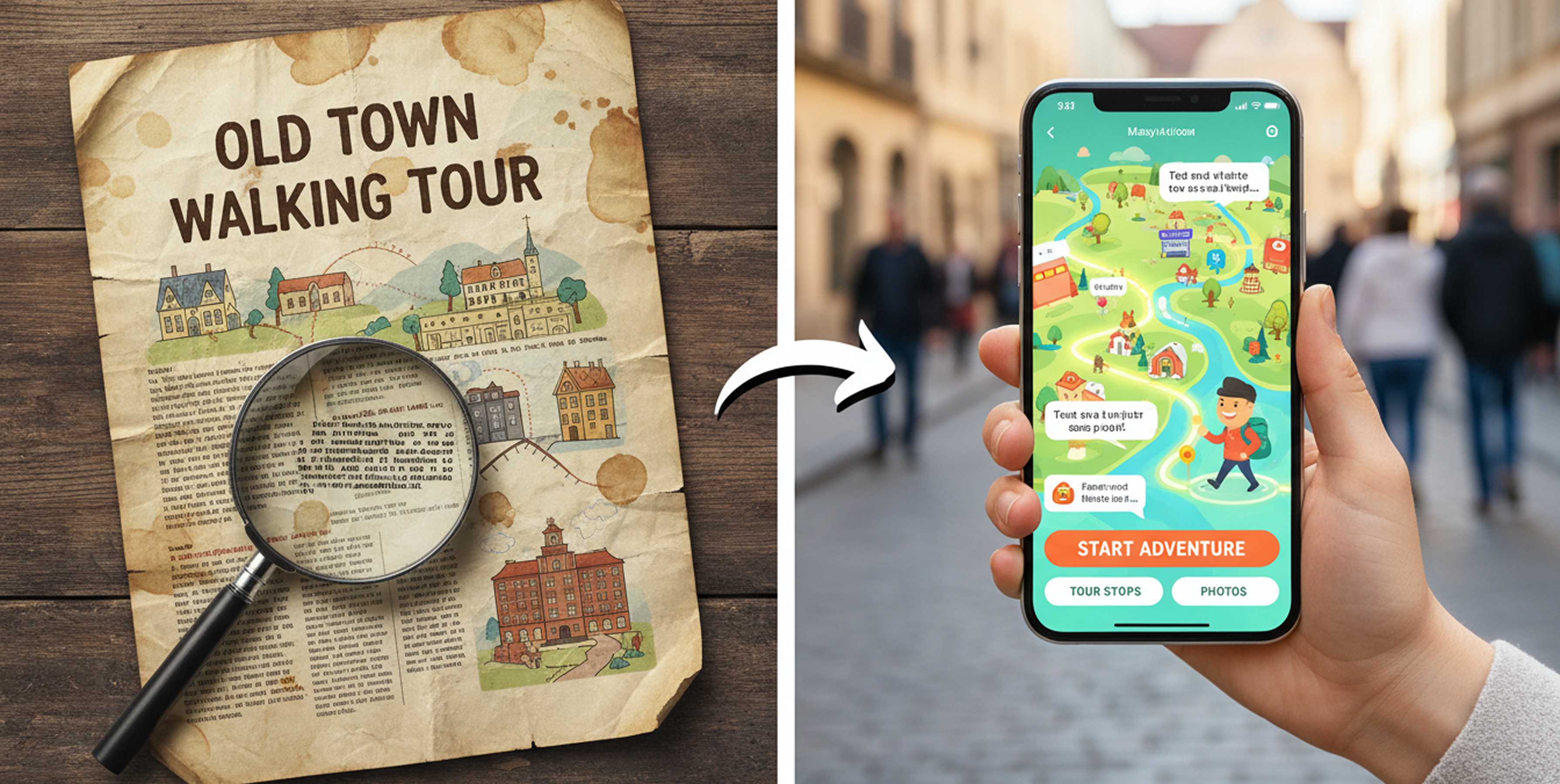
Digitizing a self-guided walking tour doesn’t mean starting over. Here’s what the conversion actually involves - content prep, QR deployment, platform selection, and first-season expectations.
Most organizations that want to digitize their self-guided tour content don’t need to rebuild it from scratch. The research has been done. The stops have been chosen. Someone wrote the descriptions, verified the history, argued about which building deserved its own section. That work is finished.
What’s missing is the delivery format: a way to put that content in a visitor’s hand in a form that works on a phone, without requiring a download, without falling apart when someone tries to read a tiny PDF in a parking lot on an iPhone 4.
This guide covers what that conversion actually involves, what decisions you’ll make along the way, and what to watch out for.
Start With What You Have
Before anything else, gather your existing content in one place. This usually means a brochure, a PDF, a walking tour booklet, or some combination. Pull out the essentials for each stop: the name, the address or GPS coordinates, the descriptive text, and any photos you have rights to use.
GPS coordinates are more reliable than addresses for stop placement, particularly in historic districts where addresses may have changed, buildings may have been renumbered, or the stop is a landscape feature rather than a structure with a mailing address. If your existing content only has addresses, you’ll need to verify each one on a map before building the digital version. This is worth doing carefully - a stop that pins to the wrong side of the block is a wayfinding failure waiting to happen.
Your existing text probably needs some editing for the mobile context. Print descriptions are written to be read while sitting still, often at length. Mobile stop content is read while standing on a sidewalk, frequently in sunlight, by someone who may be mid-stride. Paragraphs of four or five sentences work. Full-page narratives don’t. If your current descriptions run long, trim them to the essential story for each stop and consider whether additional detail is better surfaced as an optional audio guide or extended reading link.
The QR Code Question
Most organizations deploying a digital walking tour use QR codes to give visitors access to it - at the tour starting point, on existing print materials, on signage at individual stops, and at the visitor center or welcome kiosk.
One barrier that used to matter no longer does. Until 2017 on iPhone and 2019 on Android, scanning a QR code required downloading a separate scanner app. Both platforms have since built scanning directly into the native camera. A visitor points their phone camera at a QR code and a link prompt appears automatically. No app, no extra step.
What still matters: placement and size. A QR code printed too small won’t scan reliably, especially in bright outdoor light. Section 508 accessibility guidelines recommend a minimum physical size of roughly 2cm by 2cm for close-range scanning - larger for signage that visitors will scan from a meter or more away. Place codes at a height that’s comfortable for most visitors to hold a phone up to, and test every code on multiple devices before installation.
Always print the destination URL alongside the QR code. Visitors without a working camera, older devices, or accessibility needs shouldn’t hit a dead end. A short, memorable URL (or a typed out link) gives them an alternative path to the same content.
Choosing a Platform
A GPS-aware mobile tour requires a platform that can handle stop-level maps, user location, turn-by-turn navigation between stops, and stop content - text, photos, optionally audio. The options range from consumer-facing tour creation tools to organization-focused platforms built specifically for destination programming.
The questions worth asking before choosing:
Does it require a download? A native app requires visitors to install something before they can start. A mobile web experience opens directly in the browser. For one-time visitors at an outdoor destination, the no-download path removes a significant friction point covered in more detail in our piece on app install barriers.
Who manages the content? Some platforms require technical staff to update content. Others offer a CMS built for non-technical users - which matters if the person maintaining the tour is a program coordinator, not a developer.
What analytics does it provide? At a minimum, you want session counts and stop-level engagement data. This is what turns a tour from an untracked program into something you can report on to funders and boards.
What does it cost? Pricing in this space varies significantly. Well-known enterprise platforms typically run from $2,000 to $7,000 per year. DestinationHub sits meaningfully below that range and is built specifically for organizations converting existing written content to mobile, with setup included.
Deployment and Promotion
A digital tour that nobody knows exists has the same problem as a brochure at the bottom of a rack. Deployment isn’t just technical - it’s physical.
Post QR codes at the natural starting points for your tour: the parking area visitors are most likely to arrive at, the visitor center entrance, the welcome kiosk if you have one. If your tour is tied to a specific trailhead, corridor, or district entrance, that’s where the QR code belongs. The moment a visitor decides to do the tour is usually the moment they arrive, not the moment they’re planning the trip from home.
Add the tour link to your website with a clear description and a direct link or embedded QR code. List it on Google Maps as a point of interest if the starting point has a defined location. If you have existing print materials, update them to include the QR code on the next reprint (print a simple card insert in the meantime).
Let partner organizations know it exists. Hotels, restaurants, and businesses near your stops are natural allies for promoting visitor programming that keeps people in the area longer.
What to Expect the First Season
The first season of a digital tour is mostly about establishing a baseline. You’ll learn which stops generate the most engagement, where people are coming from geographically, and whether the tour is being started and completed or abandoned partway through. That data shapes the next version - which stops need clearer descriptions, where wayfinding is breaking down, what content is working.
Don’t wait for perfect before launching. A clean ten-stop tour with accurate GPS coordinates, solid descriptions, and good photos will outperform a more elaborate project that stays in production for another year. The content you’ve already produced is ready. The main task is getting it into a format visitors can actually use.