Every exhibit, one scan away.
A wall label holds forty words. Everything else you know about the object — the research, the provenance, the story that makes it matter — lives in a binder nobody reads. DestinationHub gives every exhibit its own page behind a QR code on the label, with photos, video and an audio guide on the visitor's own phone. We build it for you. You get your time back.
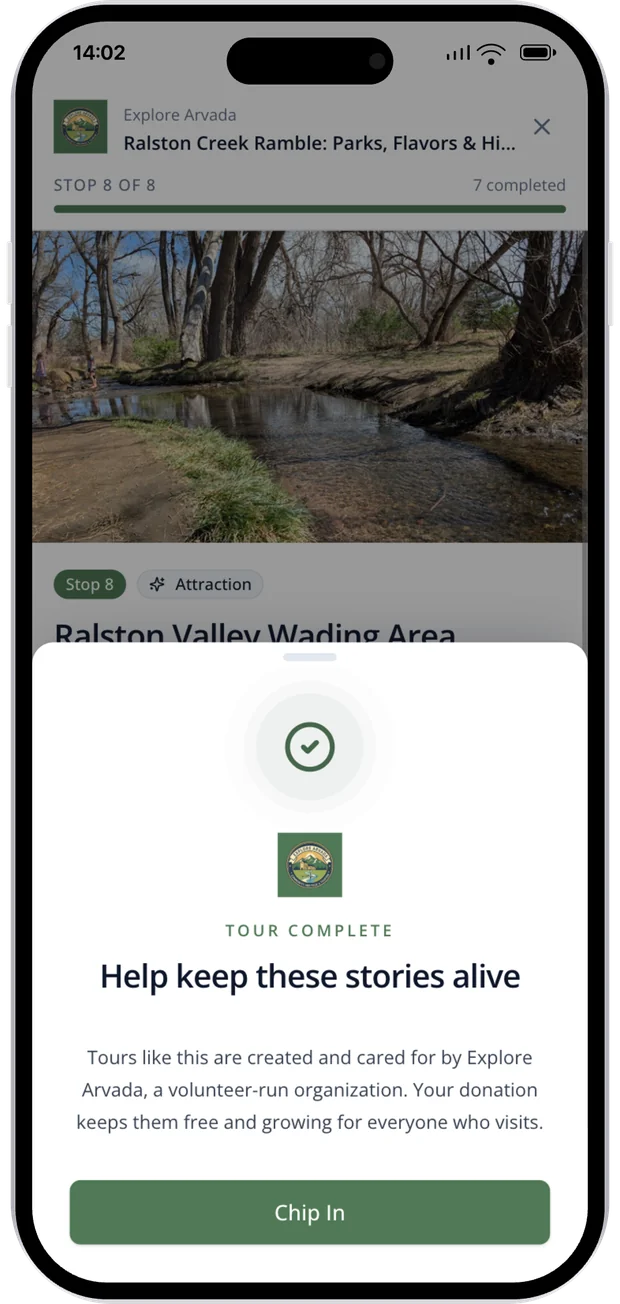
You know everything about the object. The visitor gets forty words.
The label has to fit on a card, so it says the artist, the year, the medium, and stops. The research behind it — why this object, where it came from, what it meant to the people who made it — sits in a curatorial file, a grant report, or a catalogue essay that maybe two hundred people will ever open.
The usual answer is audio handsets you have to buy, charge, clean and chase down at closing, or an app nobody downloads for a ninety-minute visit. And when a temporary show closes, the whole thing disappears: the microsite comes down, the links break, and the printed catalogue points at a 404. Every rotation, the work is done again from scratch.
An exhibit layer that lives on the visitor's phone
Exhibits are their own kind of content here — not places on a map, but objects in your building. They do not need a location, they carry the fields a museum actually records, they can be grouped by gallery, and they retire without breaking anything you have already printed.
The wall label is 40 words. The exhibit page is the whole story.
Every exhibit gets its own page with photos, video, the curatorial detail that never fit on the placard, and the credit line. A visitor scans the code beside the case and reads it on their own phone, at their own pace.
- A printable QR code for every exhibit
- Photos, video, and the full curatorial text
- Exhibit code, gallery, artist, medium, dimensions, and credit line
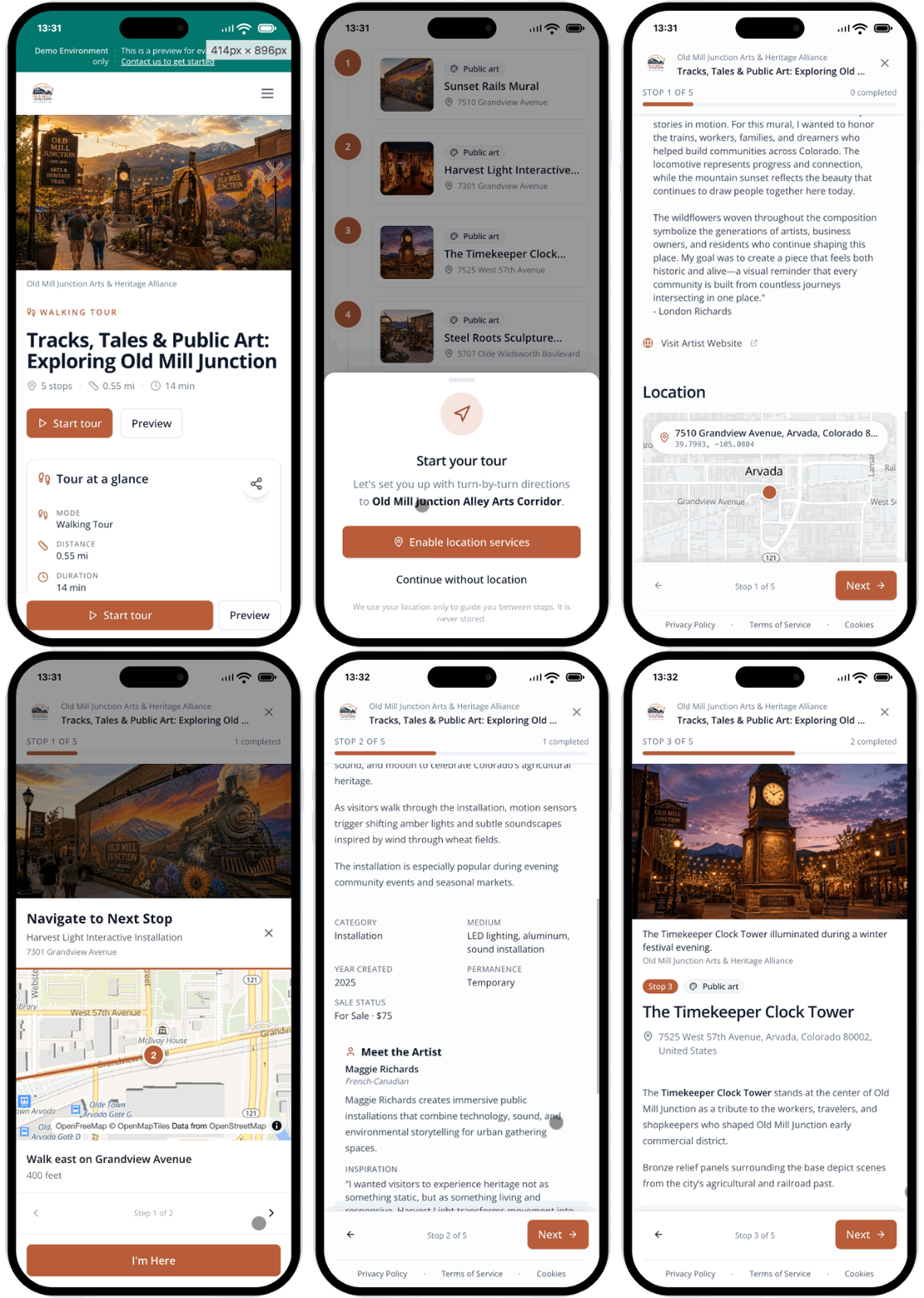
Narration on the visitor's own phone — no handsets to clean or charge
Upload your own recordings or generate narration from the text you have already written. Every guide carries a transcript, so visitors who cannot or would rather not listen still get the same content.
- Upload your own narration, or generate it from the exhibit description
- A transcript alongside every audio guide
- No handsets to buy, clean, charge, or chase down at closing
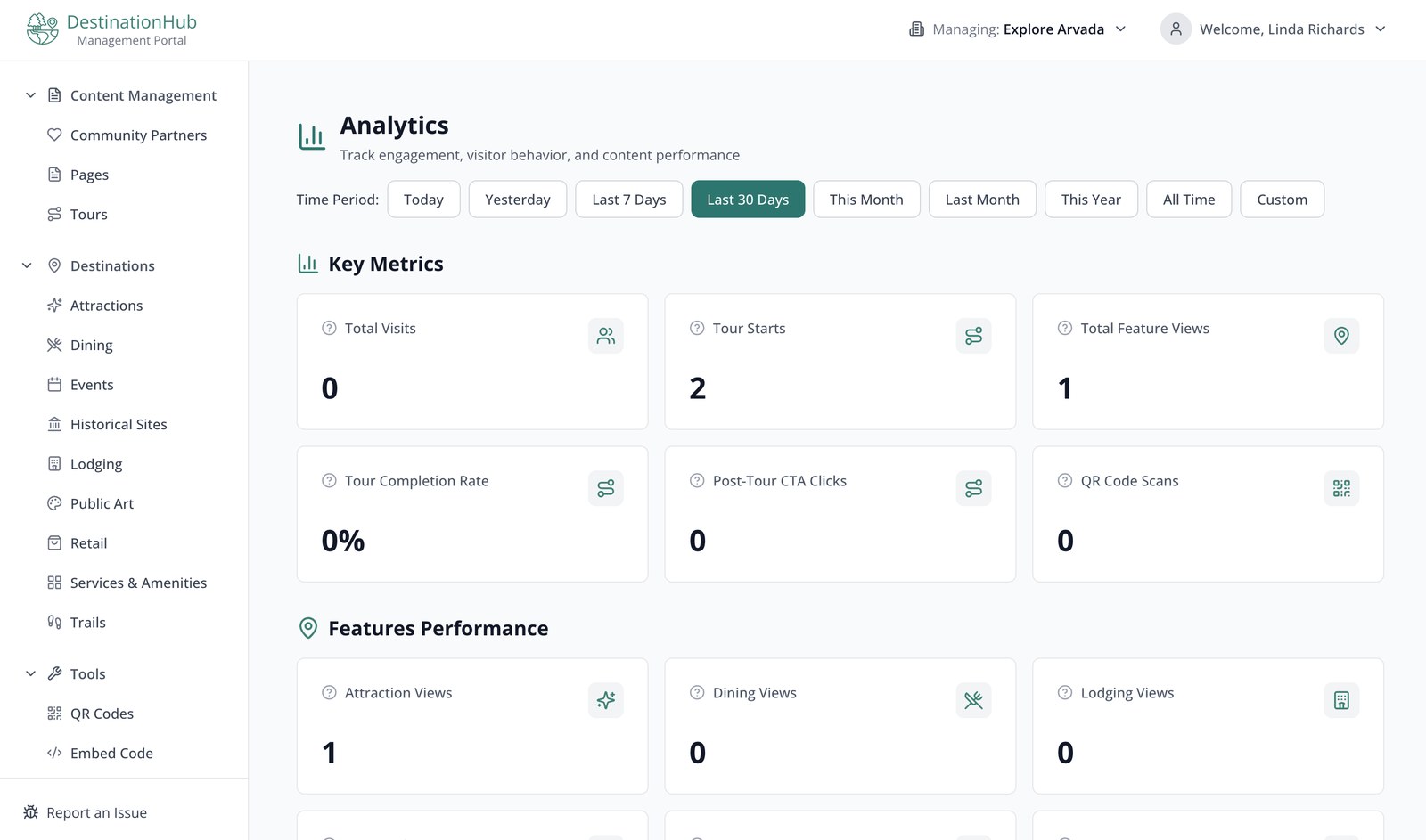
Numbered tours that work indoors, where GPS does not
A museum tour is not a driving route. Build a numbered sequence — stop one, stop two, stop three — with no map, no distance and no arrival time. Visitors move through it with next and previous, exactly the way a gallery tour actually runs.
- Numbered stops with next and previous, no map required
- Per-stop audio and media
- Works the same in a basement gallery as on the front steps
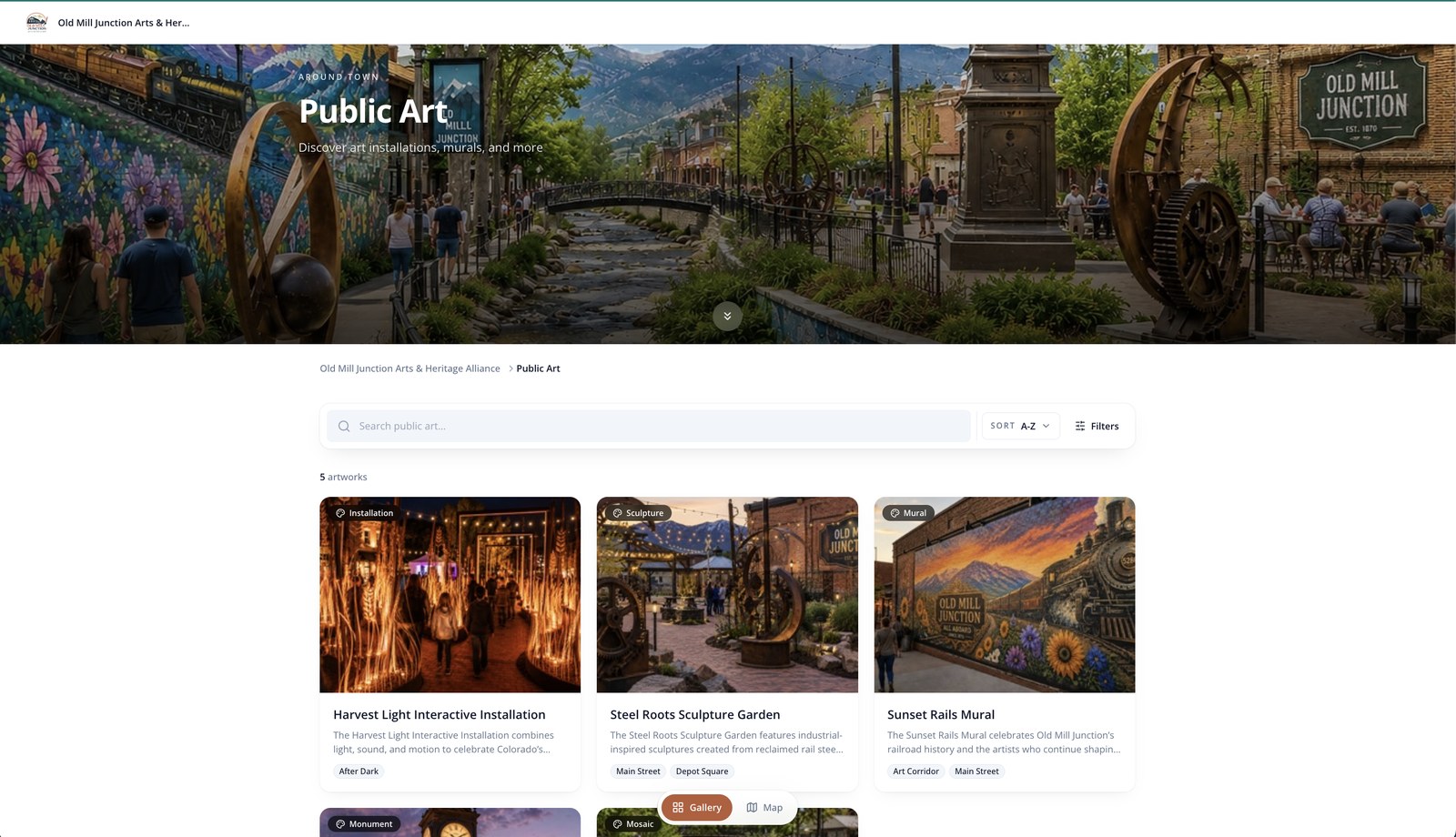
A closed show should not become a dead link
When a run ends, archive the exhibit. It leaves your current listings, your map and your tour picker — but the page stays live, so a printed catalogue, a citation, or a QR code from three years ago still opens something. Set an end date and it archives itself the day the show closes.
- Archived exhibits keep their URL and their printed QR code
- A "Past exhibits" view visitors can browse
- Set an on-view end date and retirement happens on its own
Interpretation that outlives the show
Interpretation is the most expensive thing a museum produces and the first thing thrown away. A temporary show closes, the microsite comes down, and the writing, the photography and the narration go with it. Here the work accumulates instead: every exhibit page you build stays readable after the run ends, so five years of programming becomes a body of published material rather than a folder of dead links.
It is also what you hand a funder or an accreditation reviewer — evidence that your interpretation reached people on their own phones, with a transcript on every audio guide, and that it is still reaching them long after the objects went back in storage.
1 scan
From wall label to the full exhibit story
0
App downloads or audio handsets required
Every
Past exhibit stays readable at its original link
Free
Setup during current availability
A real collection, live right now
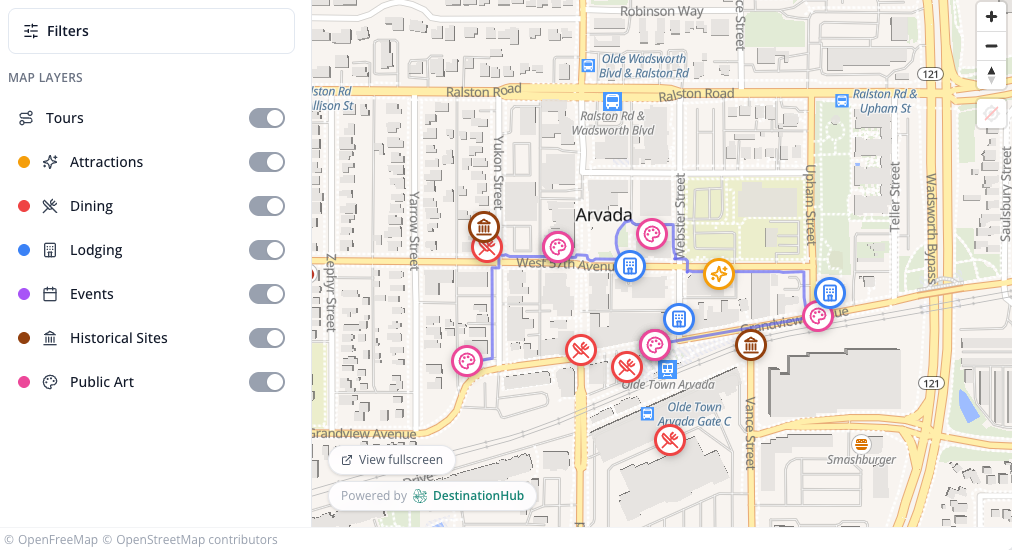
This is the live hub for the Old Mill Junction Arts & Heritage Alliance — the same experience your visitors get on their phones, and the same view you can embed on your own website.
We build it. You get your time back.
You are installing a show, writing the grant report, and covering the front desk on Saturdays. You should not also be building an audio guide app. Send us what you already have — exhibit texts, object records, photos, the gallery list — and we turn it into your branded exhibit pages, gallery tours and printable QR codes. Setup is free for a limited number of organizations we onboard each month. No developer. No app store. No handsets to charge.
You hand us the collection.
Exhibit texts, object records, photos, your gallery list — whatever you already have, in whatever shape it is in.
We build your hub.
Exhibit pages, gallery tours, audio guides, and a printable QR code for every label, branded as yours.
You print the codes.
Put them beside the objects and your whole collection is readable from any phone in the building.
The objections we hear most
“We don't have time to build this.”
You don't build it — we do. That's the whole point.
“Do visitors download an app?”
No. It opens in any phone browser from a QR code on the label, or from a Google search.
“Our exhibits rotate constantly. Will the pages go stale?”
Give each exhibit an on-view end date and it retires itself the day the run ends — it leaves the current listings automatically, with nobody having to remember. The page stays readable at the same address.
“What happens to the QR codes we already printed when a show closes?”
They keep working. Archiving removes an exhibit from what is currently on view; it does not take the page down. A visitor scanning an old code lands on the exhibit with a note that it is no longer on display.
“Our galleries have no cell signal.”
Most visitors scan a code once and read the page while they are standing there. Where signal is genuinely absent, the usual fix is guest wi-fi at the entrance — the same thing your audio handsets would have needed.
“We already have a collections management system.”
Keep it. A CMS is your internal record of what you own; this is the public-facing experience a visitor uses in the room. They answer different questions, and this is not a replacement for yours.
“We're a small museum with a small budget.”
Priced for museum budgets, and setup is free for a limited number of organizations we onboard each month. (See the pricing section for details.)
See your exhibits on a phone before you commit.
The fastest way to understand it is to hold it. Send us a handful of exhibits and we'll build a live demo of your museum — real exhibit pages, a gallery tour, and QR codes you can print and scan — so you can walk your own galleries the way a visitor would.
Pricing
Museum pricing — free setup for a limited number of organizations each month. No app download and no audio hardware required.
Have a promotional code for special pricing?
Limited Availability Pricing
Free setup isn't unlimited. Each month, we take on a limited number of organizations with free setup, discounted pricing, and concierge onboarding. Availability is limited based on onboarding capacity — so the spots go fast.
Already have a code? Go straight to checkout.
Made for museums, historic houses, science centers and galleries that want their interpretation in visitors' hands — and still readable long after the show comes down.
Accessibility
Our accessibility statement describes how DestinationHub approaches accessibility and documents where the product stands today.
View our accessibility statement