The App Download Requirement is Costing You Visitors Before They Arrive
App download requirements filter out visitors before your tour starts. Here’s what the install process actually involves - and when a no-download approach makes more sense.
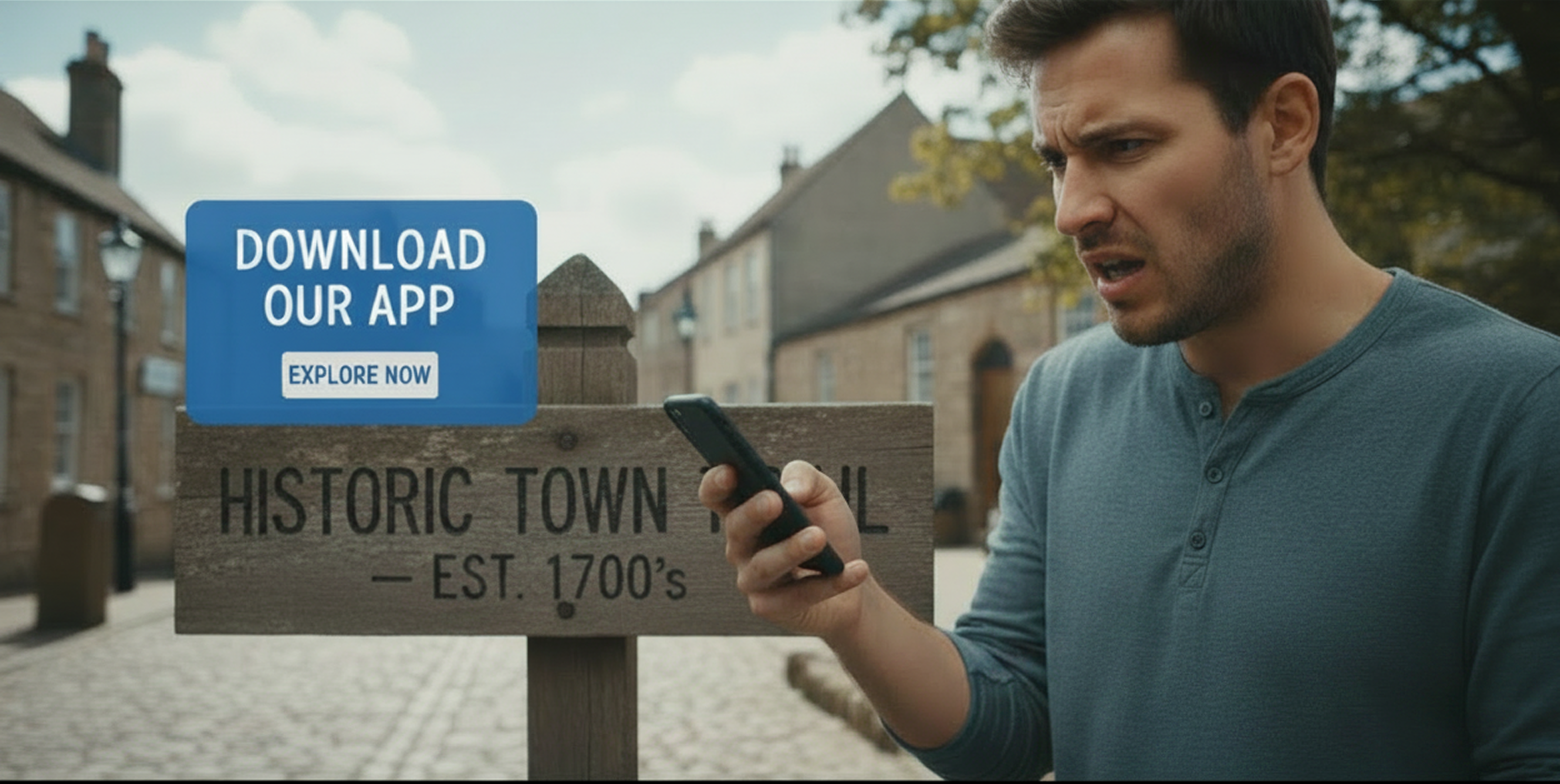
Someone pulls into your parking lot on a Saturday afternoon. They saw the sign for your self-guided tour, they’re interested, and they pull out their phone. Then they read the instructions: Download our app to get started.
What follows is a decision tree that has nothing to do with your content.
Do they remember their Apple ID password? Do they have storage space? Is the cellular signal strong enough to download? Are they willing to hand over billing information to Apple? Do they trust that an app from an organization they’ve never heard of is worth the install?
Research on mobile experiences in cultural settings has documented what visitors actually say at this moment. Common statements collected from visitors confronted with an app download include: “I can’t remember my password, it might take forever, will they charge me?” and “Will it kill my battery?” These aren’t edge cases. They’re the normal friction points that a significant share of your potential audience hits and doesn’t push through.
What Installing an App Actually Requires
For a visitor who already has an active Apple ID and storage space, installing an app from a QR code takes somewhere between 30 seconds and two minutes if things go smoothly. That’s the best case.
For someone who hasn’t done a download recently, they could have to create an account, verify an email address, set up two factor authentication, enter payment information, accept terms and conditions, and/or a myriad of other potential steps.
None of this is unreasonable when you’re downloading an app you plan to use repeatedly. It’s a significant ask when you’re standing at a trailhead on a Sunday morning and just want to start walking.
The practical effect is that your tour has a conversion funnel before a visitor even reaches stop one - and you almost certainly have no visibility into where people are dropping out of it.
The Mismatch Between the Tool and the Use Case
Apps make sense when people use them repeatedly. A transit app, a fitness tracker, a banking app - these earn the install cost because visitors return to them daily. The ongoing relationship justifies the friction.
A self-guided tour at a destination most visitors will experience once doesn’t fit that model. You’re asking for a commitment - storage space, account authentication, download time - in exchange for a single use. That’s a poor trade from the visitor’s perspective, and they make that calculation quickly.
This isn’t a hypothetical. For a downloadable app, the download is often the access barrier. The organizations that have studied this most carefully - museums and cultural sites with dedicated visitor experience teams and resources to run proper evaluations - have generally concluded that the install requirement filters out a meaningful portion of their potential audience before the experience even starts.
What Has Changed
The argument for native apps used to be capability: only a downloaded app could do GPS navigation, offline content, rich media, and interactive maps. That gap has closed substantially. Mobile browsers now handle all of those features well enough for the kind of stop-by-stop self-guided experiences most destination organizations are delivering.
The practical alternative is a mobile web experience delivered via a link or QR code that opens directly in the browser - no download, no account, no storage prompt. A visitor scans a code at the entrance, the tour opens in under ten seconds, and they’re at stop one. On the back end, the organization gets real session data from every visit.
This isn’t the right approach for every situation. If you’re running a large venue with complex wayfinding across multiple floors and a returning audience who expects your app, the native install may be worth the friction. But for a walking route through a downtown corridor, a bike trail, a scenic byway pullout, or a network of outdoor sites - organizations where visitors arrive once and leave - the download requirement is working against you.
Platforms built for this context, including DestinationHub, are designed around the no-download premise because the visitor use case doesn’t support the install barrier.
If you currently require a download to access your tour, it’s worth asking one concrete question: how many people scan your QR code, and how many actually reach stop one? The gap is your friction cost, and it’s likely larger than you’d expect.